How To Listen To 93.5 & 107.5 The Fan On Amazon Alexa/Echo
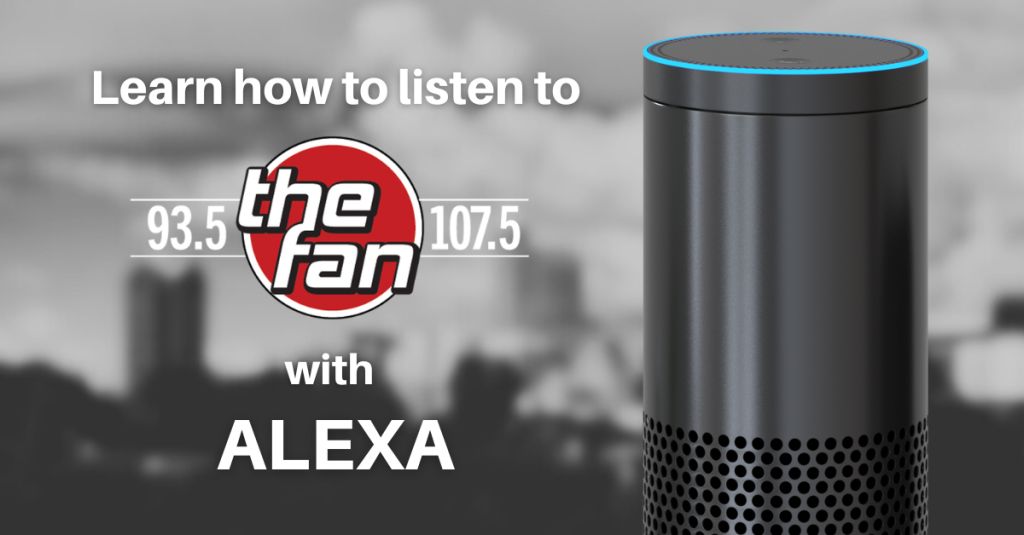
How To Listen To 93.5 & 107.5 The Fan On Amazon Alexa/Echo
If you’ve got an Echo Dot or any Alexa device holding it down in your home, you are just a few words away from the action. But first, you gotta make sure Alexa knows the play.
Step 1: Enable the Skill
Think of this like a pre-game warmup. You need to enable the skill so your device knows exactly where to find us.
- Grab your phone and open the Amazon Alexa App.
- Hit the Menu button and tap on Skills & Games.
- Type “107.5 The Fan” in the search bar.
- Tap Enable to Use.
Step 2: Command the Room
Once you’ve got the skill locked in, you’re ready for tip-off. Just say:
- “Alexa, play 107.5 The Fan.”
Simple as that. The broadcast starts, and you’re locked in. When you’re ready to tap out, just tell her, “Alexa, stop.”
How to Listen on Google Home
For everybody rep’ping Team Google with a Nest or Home device, it’s even easier. Google is usually ready to go right out of the box, pulling streams effortlessly so you don’t miss a minute of the commentary.
Just Say The Word
Walk in and take control. Say:
- “Hey Google, play 107.5 The Fan.”
Your speaker will confirm, and boom—you’re listening to Indy’s Sports Center. It’s completely hands-free, leaving you free to cook, clean, or debate the latest trades with your friends without missing a beat.